


When you own a local business in the UK, then your advancement can be modified to appear high in the list of Google Maps. It is irrelevant if you are a cafe in London, a plumbing company in Birmingham, or a beauty salon in Manchester; the fact that you are on Google Maps will give you more customers, calls, and revenue.
I will show how to rank within the Google Maps listing in the UK in this practice guide in a step-by-step fashion. These are laid down strategies that I have used myself to allow local businesses to take over the local search engine.
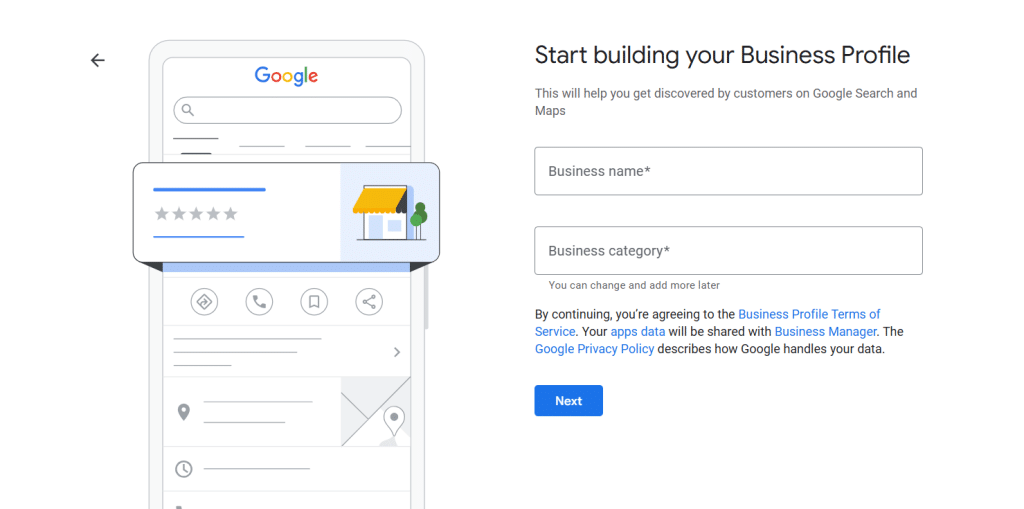
Step 1: Create and Verify Your Google Business Profile (GBP)
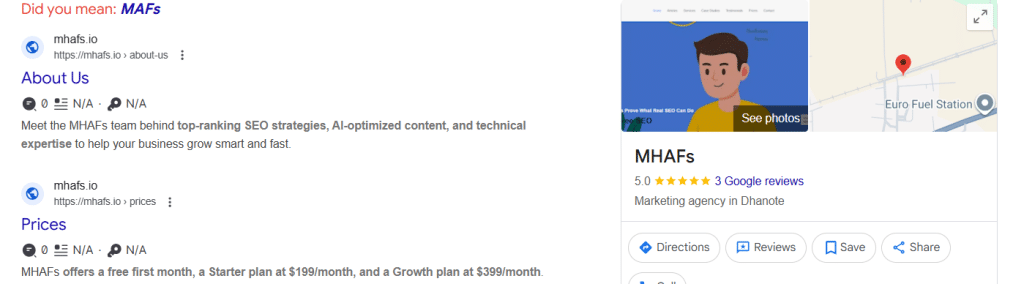
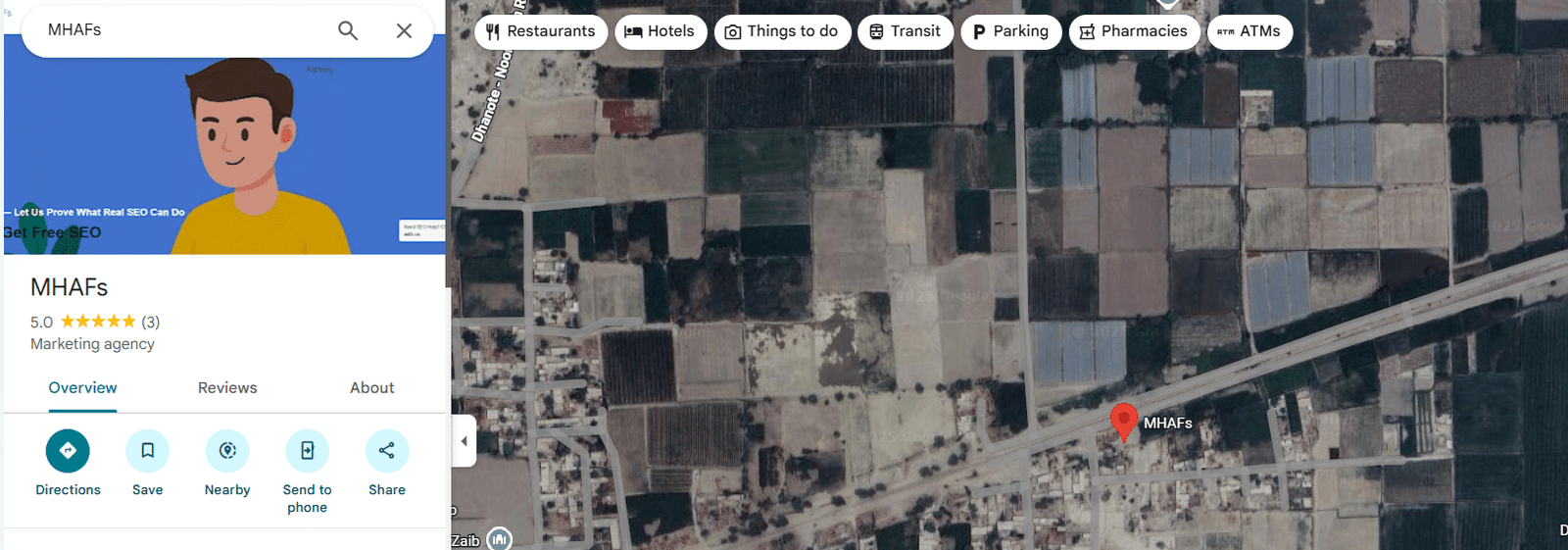
The basis of your Maps ranking is your Google Business Profile. Your business will not be in search or map without a verified profile. At MHAFs, we also provide these services in our national seo packages.
How to Get Started
- Visit Google Business Profile Manager.
- Click on the option to add your business to Google.
- Add name, address, and type of business.
- Confirm your listing through email, phone, or postcard.
Step 2: Optimise Your Google Business Profile for the UK Market
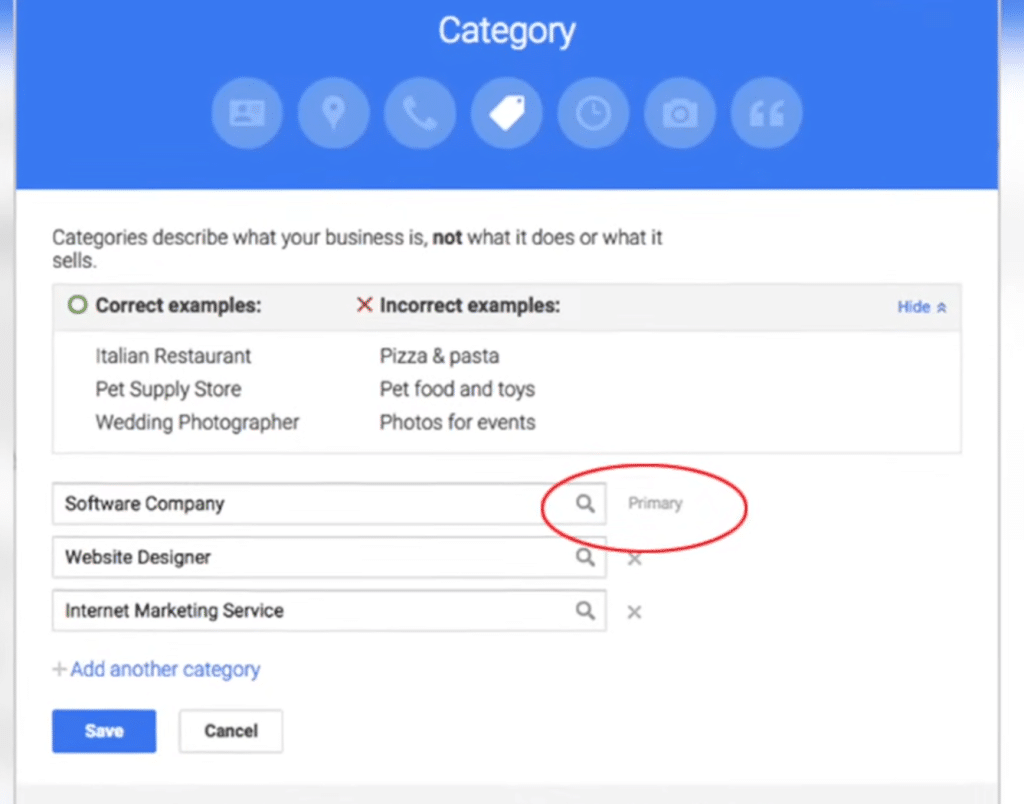
It is not just a matter of having a profile, but it must be optimised to make it effective in the UK local searches.
Optimisation Checklist
- Select precise categories: Select certain categories, such as “Italian restaurant or mobile mechanic.
- Write a good rich keywords description: Sample: We are a family-friendly plumbing company that offers emergency services 24 hours a day, and is situated in Manchester.
- Introduction of good pictures: Post pictures of your shop, interior, team, and services- people believe in pictures.
- Add opening hours: Have them constantly updated, e.g., during holidays.
- Include products, services, and price ranges: Google loves complete profiles.
Step 3: Gather More Reviews — and Respond to Them
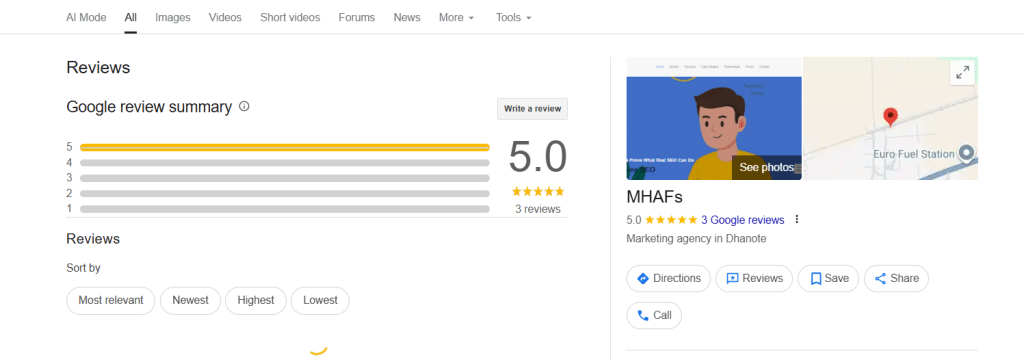
Favorable feedback means credibility and a direct impact on your Google Maps ranking.
How to Get More Reviews
- Inquiring about customers’ gracefully after their service.
- Add a QR code on receipts that links to your review page.
- Send a follow-up message to the clients with a thank you message and requesting feedback.
Step 4: Post Regular Updates on Your Profile
Your Google Business Profile is your mini-social feed. It is recommended that there be regular posts to keep Google (and your customers) aware that you are doing business.
What to Post
- Discounts and special offers.
- New services or menu items
- Seasonal promotions (as seasons such as Christmas sales in London)
- Events or announcements
Step 5: Build Local Citations and Backlinks in the UK
Citations (mentions of your business on other websites) are used by Google to confirm your authenticity.
List your business on trusted UK directories such as:
Also, create local backlinks of:
- Local blogs
- Chambers of commerce
- Community websites or newspapers
Step 6: Use Local Keywords Smartly
Local SEO relies on the employment of appropriate keywords. I will always suggest using the UK-specific and city-based keywords in a natural manner in your material.
Examples
- “Best café in London”
- Emergency electrician in Manchester.
- “Affordable hairdresser near Bristol city centre”
Add them to your:
- Business description
- Posts
- Photo captions
- Website content
Step 7: Optimise for Mobile Users
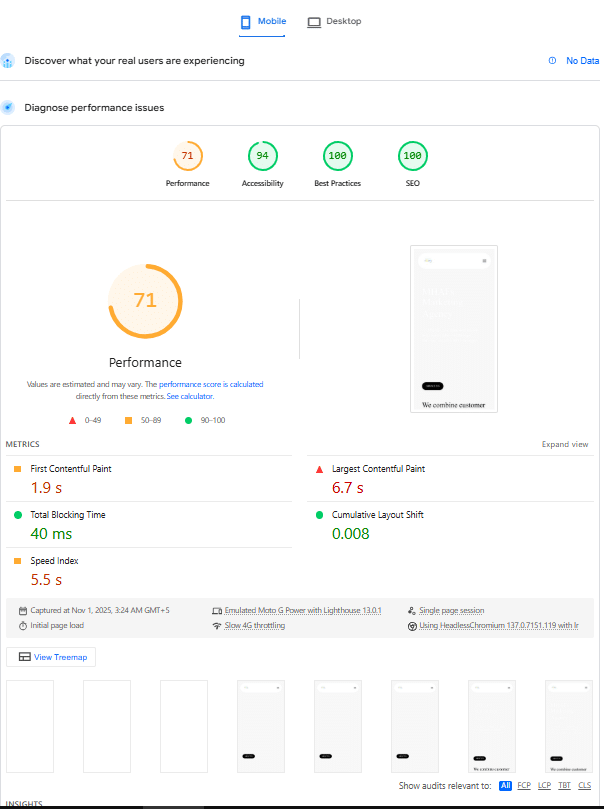
The majority of the population is on Google Maps via their phones. Unless your business information or site is mobile-friendly, you will automatically lose your potential customers.
To Optimise
- Make your website fast and responsive.
- Add a click-to-call button.
- Ensure directions are easy to follow.
Step 8: Encourage Local Engagement
Google appreciates the physical contact. Encourage customers to:
- Savage your business on Google Maps.
- Leave photos and ratings.
- Apost questions through the questions and answers tool.
Step 9: Monitor Your Google Maps Performance
There is no way you can make something better without monitoring it. Analyze your results with Google Business Insights.
Check regularly:
- The way (search or discovery) people discover your business.
- Where do they come from
- Which actions they take (calls, direction requests, visits)
FAQs
1. How long on average does it take to be ranked higher on Google Maps in the UK?
Usually between 4–12 weeks, depending on competition and consistency.
2. Do I need a website to rank?
No, but a professional site aids in the enhancement of credibility and rankings.
3. How can I check my ranking?
Enter your service + location on Google Maps in incognito mode to get unbiased results.
4. Are paid ads necessary?
They can increase the visibility in the short run, whereas organic optimisation can have long-term outcomes.
5. Does Google Maps cost to use in business?
Yes – it is free to create, control, and maximising your profile.
Final Thoughts
The status on Google Maps in the UK is not merely the question of being on the map, but also the establishment of trust, consistency, and interaction.
You can start with these steps today, and achieve the following results: by optimising your profile and accumulating positive reviews, followed by regular updates and links with those around you, you will be slowly climbing the ranking.